
nap
Code snippets in your terminal
INSTALLATION
$ go install github.com/maaslalani/nap@latest$ brew install maaslalani/tap/nap$ yay -S nap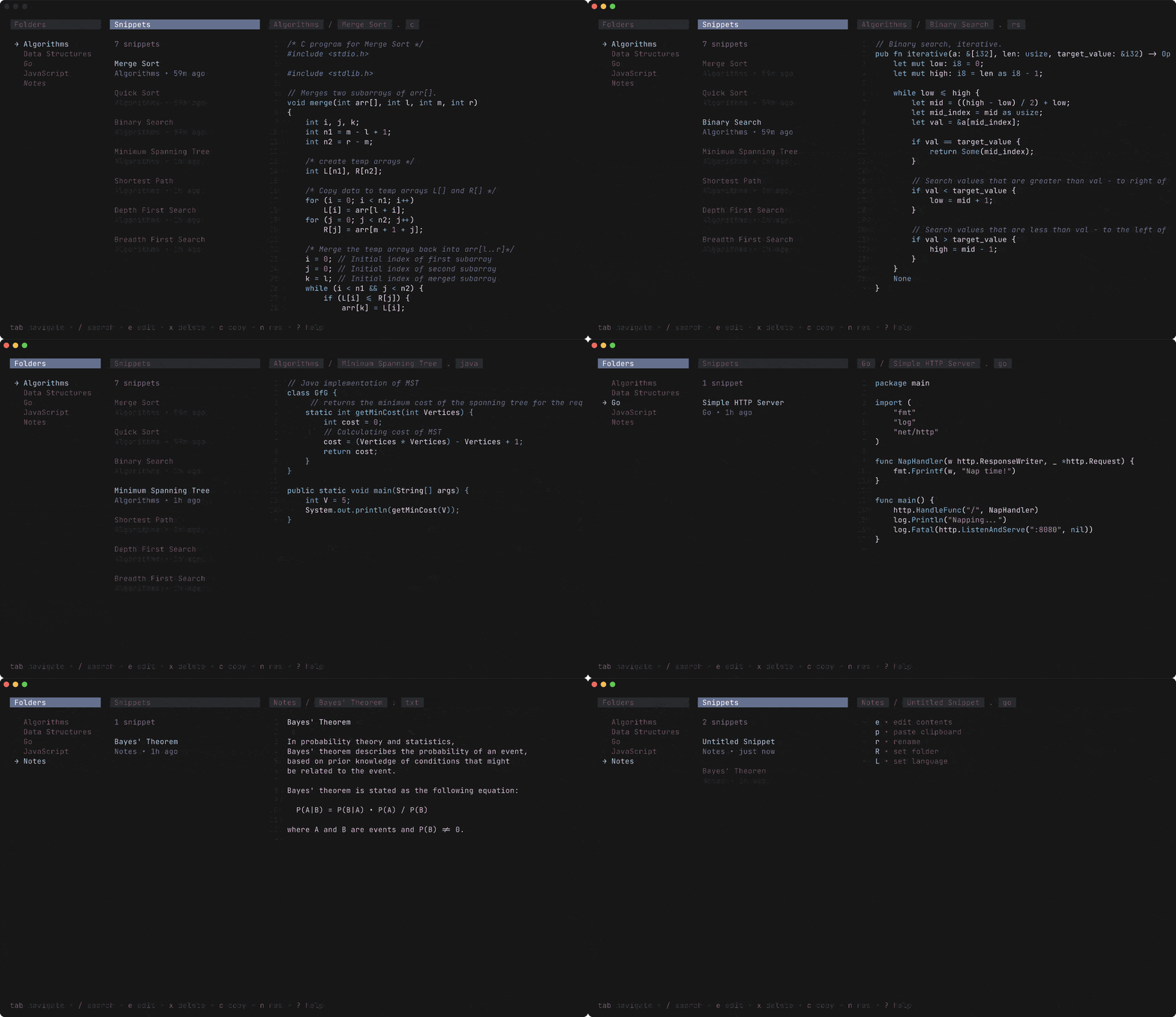
DESCRIPTION
Nap is a terminal-based code snippet manager that provides both a command-line interface for quick access and a text-user interface (TUI) for organizing and browsing your library.
It allows you to save code blocks from files, stdin, or URLs, enabling seamless storage and retrieval of frequently used code patterns directly within your shell environment.
Built in Go, it features fuzzy searching and clipboard integration, making it a highly efficient tool for managing boilerplate and reference code without leaving the terminal.
DETAILS
- Repository
- maaslalani/nap (2024-05-18)
- Author
- maaslalani
- License
- MIT
- Category
- Shell & Terminal
- Language
- Go
- Platforms
- Linux, macOS, Windows
- Version
- v0.1.1 (2022-11-21)
- Repo Age
- 3 years old
STAR HISTORY
TAGS
BADGE
Maintain nap? Add this badge to your README: listings that link back are marked verified and ranked first in the directory. It's checked once a day.

[+] show code[−] hide code
[](https://cli.masoko.net/tools/nap/)<a href="https://cli.masoko.net/tools/nap/"><img src="https://cli.masoko.net/badge/nap.svg" alt="nap on The Terminal Index"></a>COMMENTS
- No comments yet. Be the first.
to comment.
RELATED TOOLS

undo
GoUndo what the last shell command did to the filesystem
★ 402Shell & Terminal3 months old
fzf
GoA command-line fuzzy finder
★ 84.1KShell & Terminal13 years old
tldr
MarkdownCollaborative cheatsheets for console commands 📚.
★ 64.2KShell & Terminal12 years old
bat
RustA cat(1) clone with syntax highlighting and Git integration.
★ 61.3KShell & Terminal8 years oldtmux
Ctmux is a terminal multiplexer: it enables a number of terminals to be created, accessed, and controlled from a single screen.
★ 50.2KShell & Terminal11 years oldzoxide
RustA smarter cd command. Supports all major shells.
★ 40.5KShell & Terminal6 years old

